Math & Logic
Fox Trail
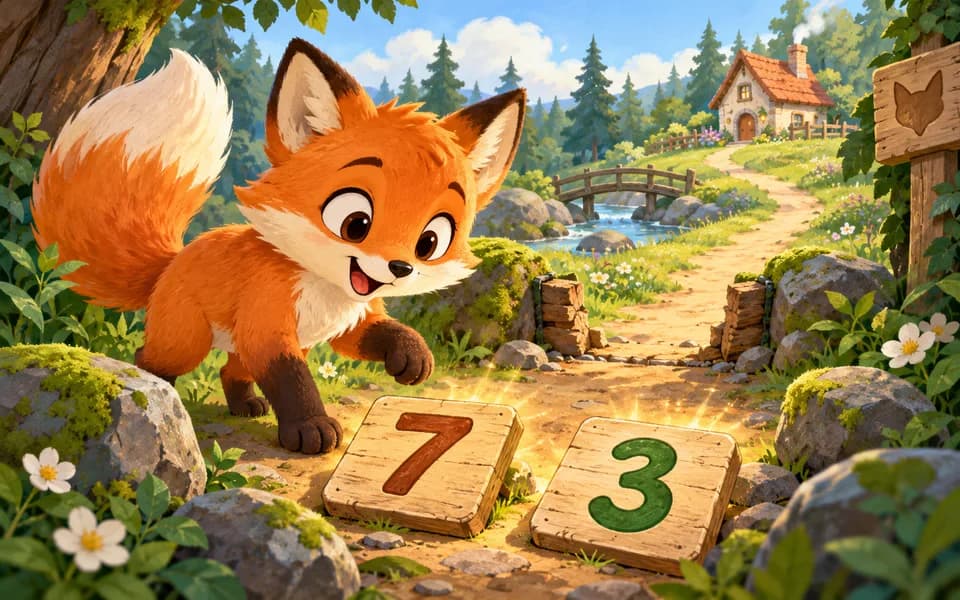
Help the fox home in 50 number-pair adventures, with picture trails and separate practice to explore.
PlayOpening the art studio…
Make paper friends, homes, and worlds with 18 creative invitations, simple animation, and Free Create.
Choose an invitation or begin freely. Every chapter and material stays open, and there is no required picture.
Explore collage, layers, patterns, and simple drawing. Separate optional tool practice observes concrete operations without a creativity score.
Ages 3–4 start with simpler tools; ages 5–6 see more editing choices; ages 7–9 and 10–12 begin with full tools. Every tool remains available at every age.
In this tab’s session by default. A grown-up can enable Save on this device in the game’s For Parents panel. Nothing is uploaded.
No. Invent unusual shapes, change the theme, or keep a blank canvas after confirmation. Open artwork is never scored.
Yes. My Creations inserts an independent editable group without the source background. Editing it leaves the original untouched.
Follow a new curiosity: match, make, build, experiment, or plan a picnic together.
Help the fox home in 50 number-pair adventures, with picture trails and separate practice to explore.
Play
Plant with Momo in 40 challenges: match colors, find flowers, finish patterns, and combine rules.
Play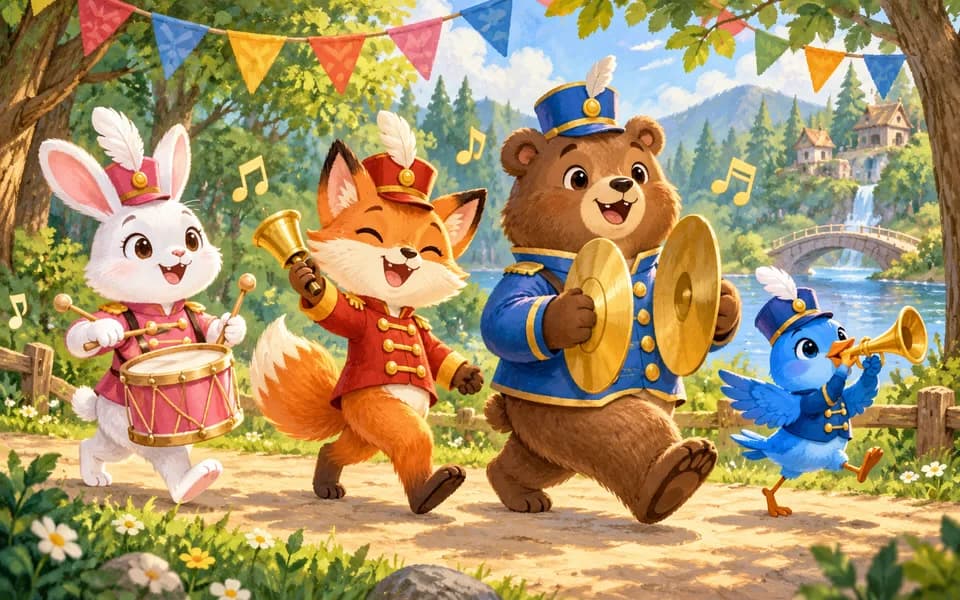
Lead a forest band through 40 rhythm levels, or explore four instruments in Free Play.
Play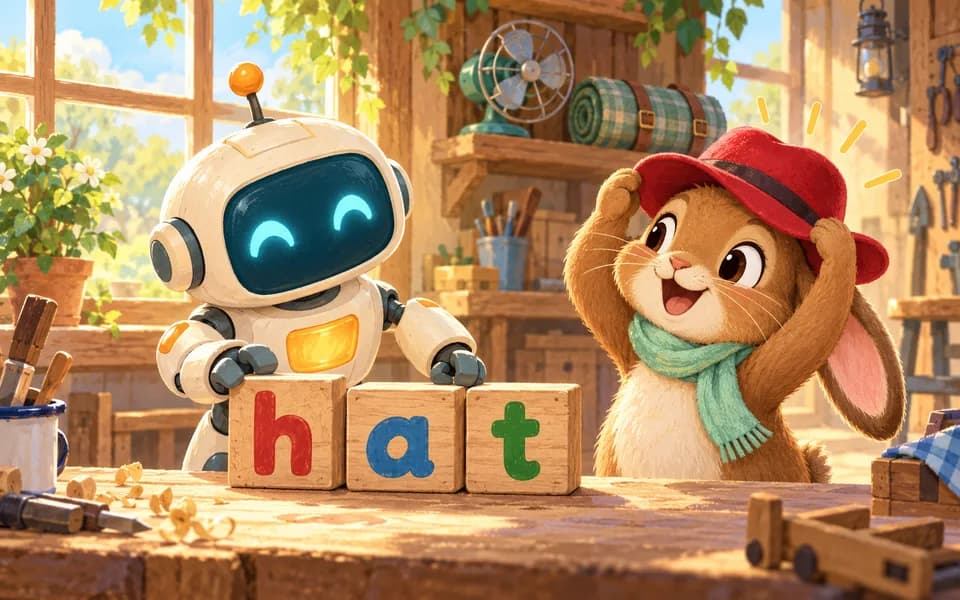
Build 30 English words and use your creations to help Pip across 36 workshop levels.
Play
Plan Robo’s bridge deliveries in 40 story tasks, 4 guided activities, and a small Free Workshop.
Play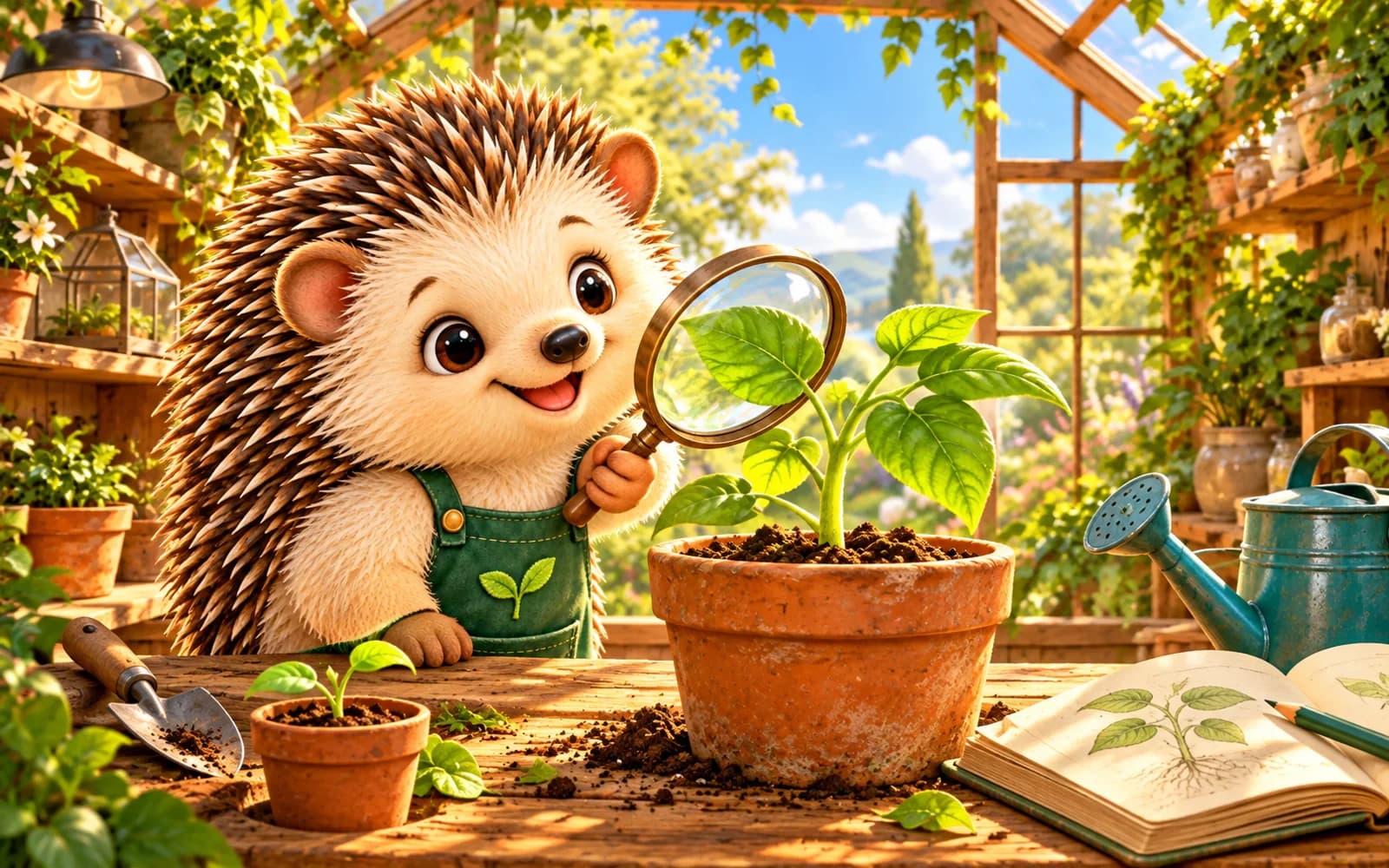
Join Pip for 8 plant experiments and Free Greenhouse in a simplified simulation of water, light, and growth.
Play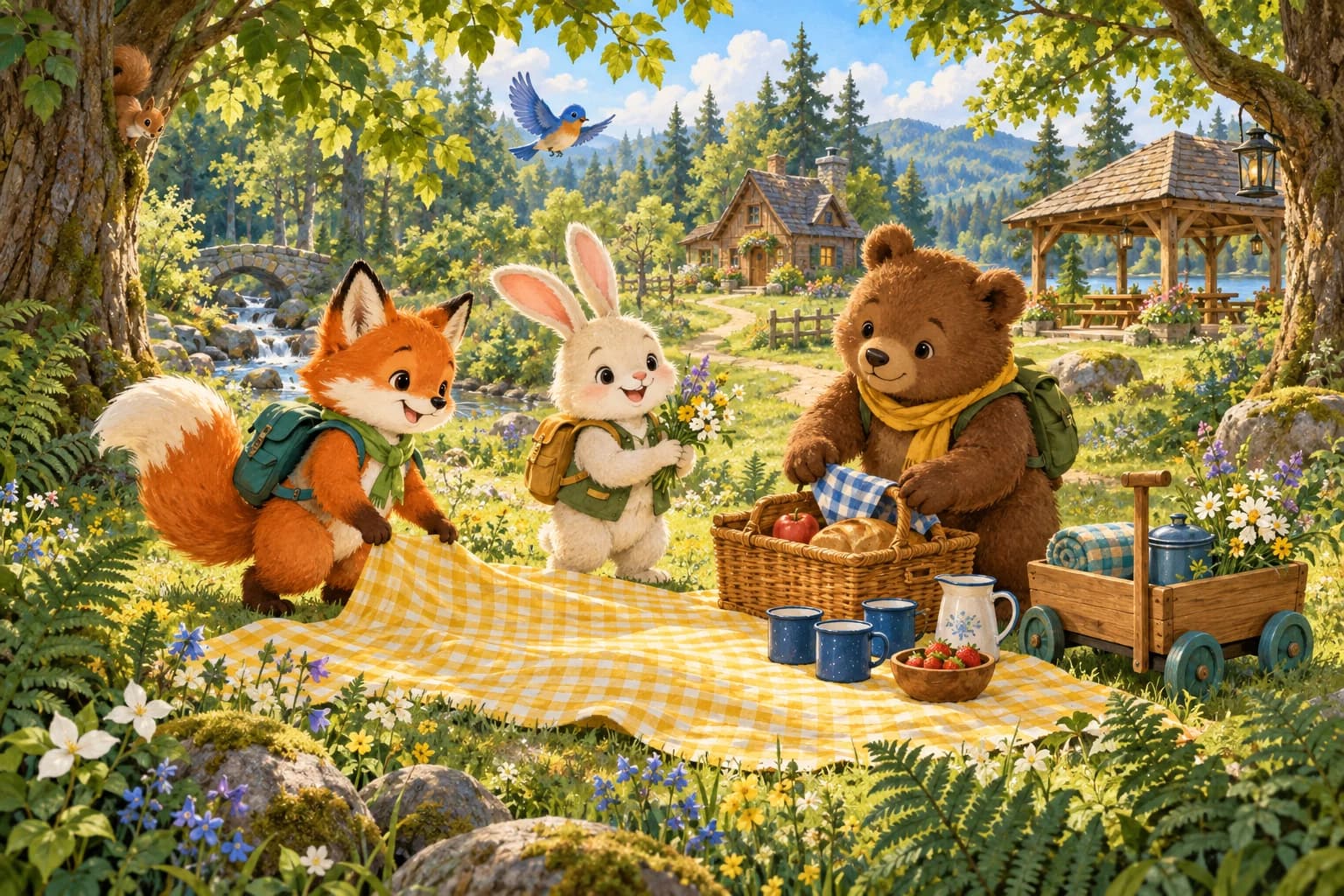
Join 12 Picnic Day stories to express needs, listen, ask for help, and make plans together.
Play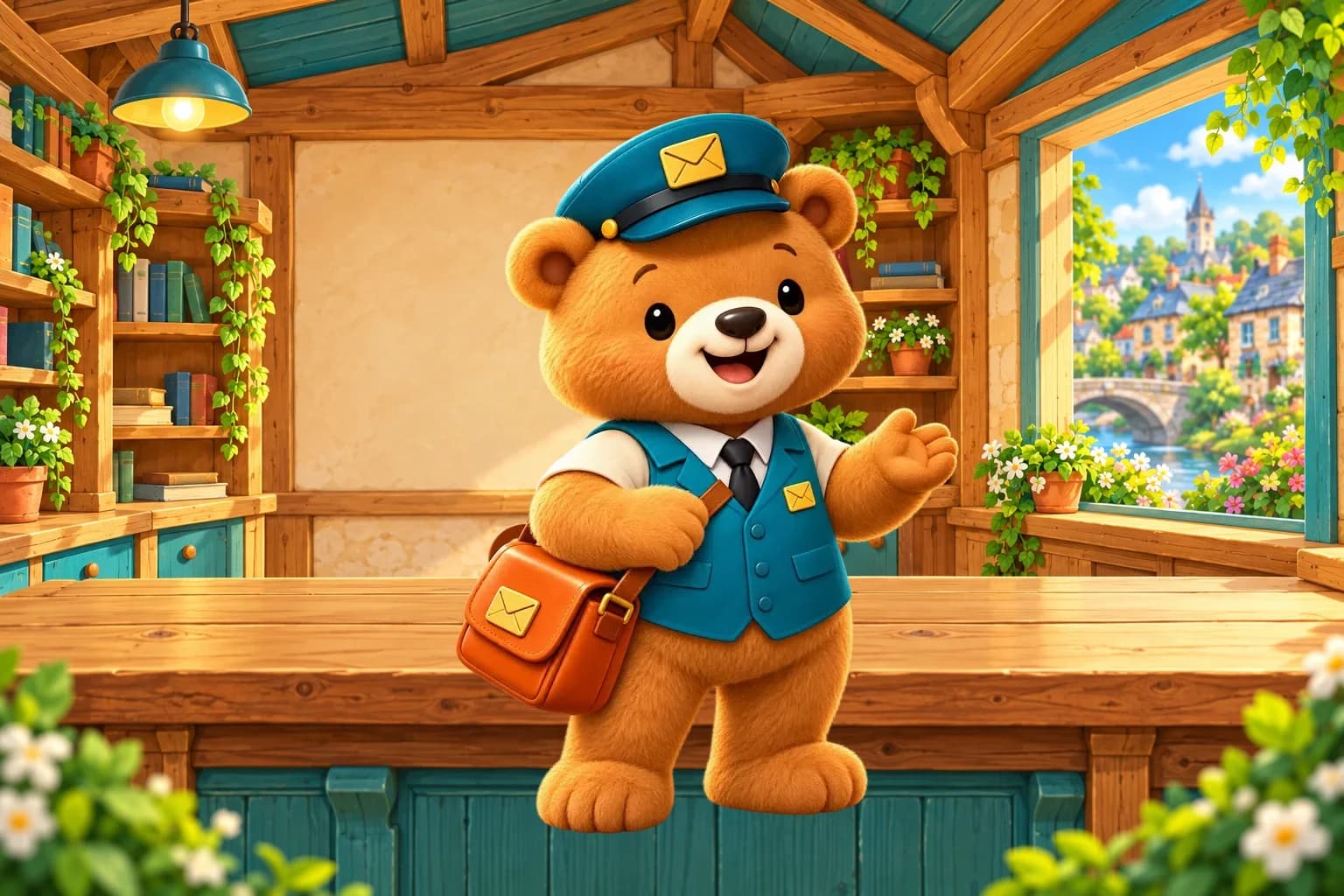
Run a little post office through 24 levels and 72 orders. Pack ten gifts, unpack full boxes, and deliver the requested amount.
Play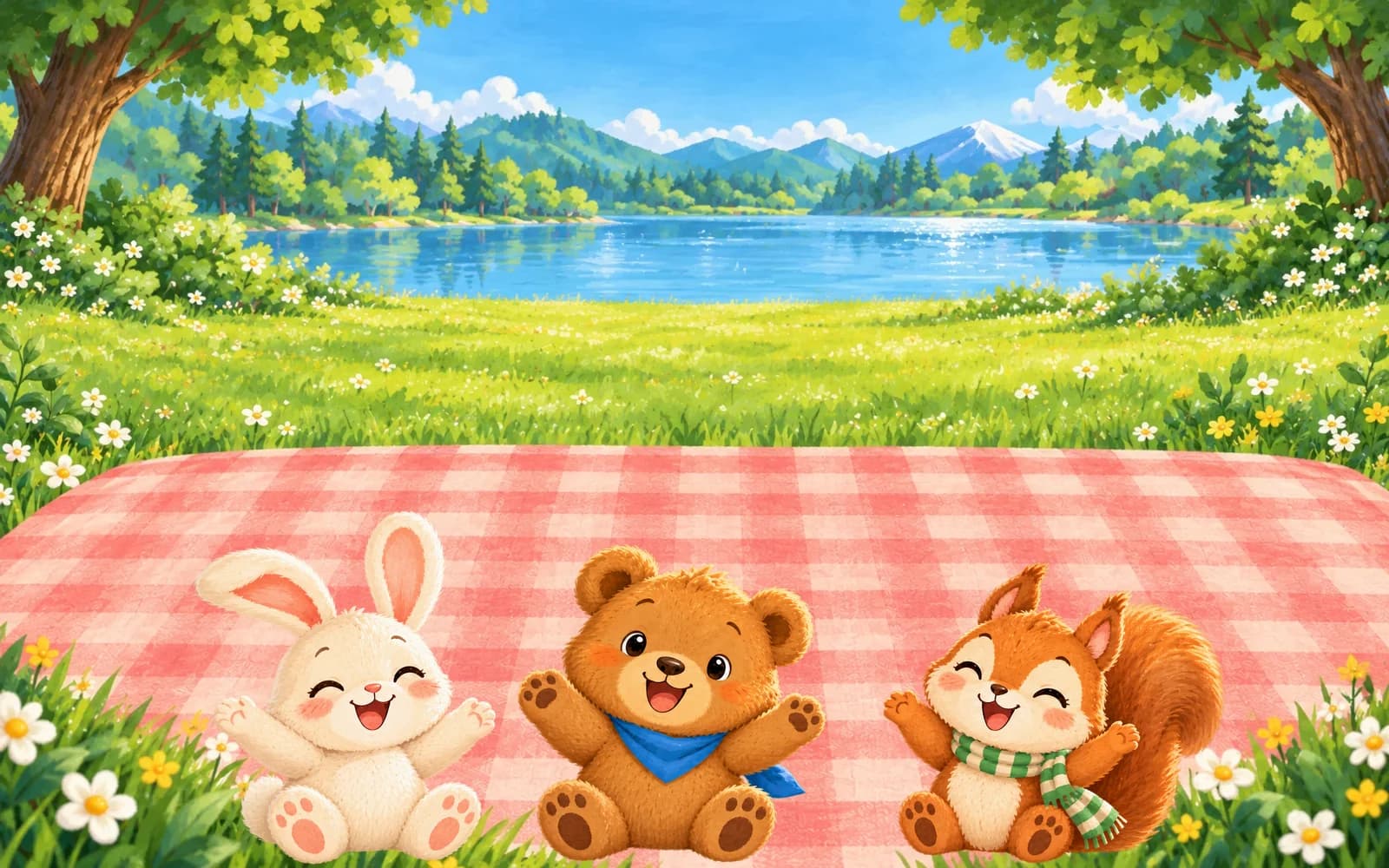
Count, pack, and share with three picnic friends in 24 levels and 72 untimed tasks. Compare baskets and make matching plates.
Play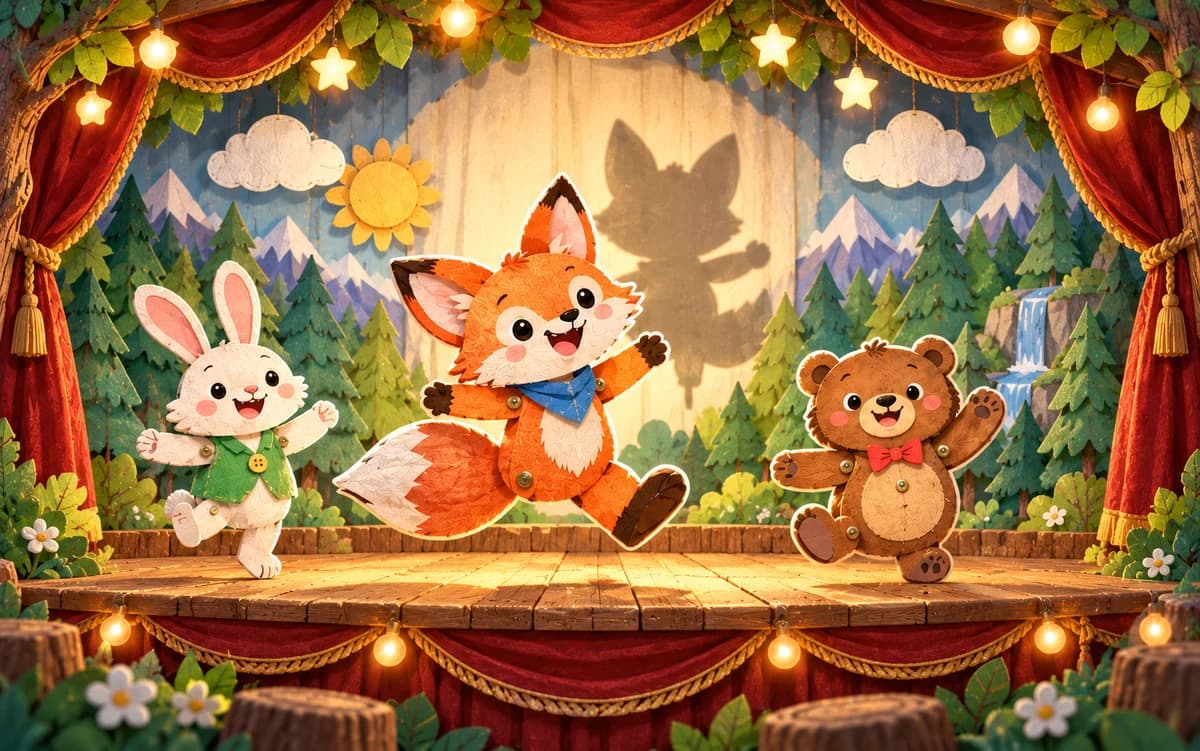
Bring paper friends to life in 40 shadow adventures. Match, turn, combine, and mirror shapes, then create your own puppet show.
Play
Weave colorful threads with Momo and Pip across 40 sky-workshop rhythms. Tap, hold, and wait, or make your own artwork in Free Weave.
Play
Explore eight painted islands with Ollie in 64 letter and word adventures. This text-assisted preview uses adult sound modeling while phoneme recordings are prepared.
Play
Explore a woodland pond with Pip through 12 observation missions. Keep real scene snapshots, follow a dragonfly’s growth, and compare evidence in your discovery journal.
Play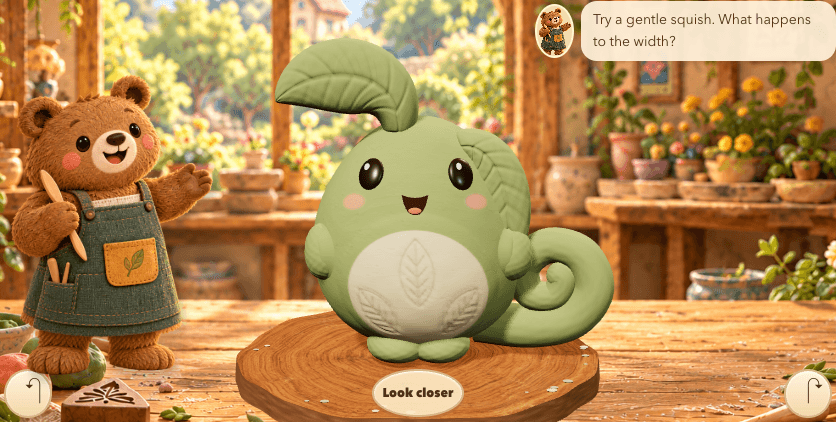
Shape an editable clay friend with five tools, twelve creative invitations, and three little stages. Keep versions and arrange a two-friend exhibition.
Play
Build marble machines with Maple: explore tracks, lifts, switches and signal rules in 32 workshop challenges, six activities to try together, and Free Workshop.
Play
Help an otter sailmaker patch sails across 30 harbor adventures. Combine cloth, make equal cuts and plan for two boats.
Play
Build glowing lantern trails with a fox, Momo and their bear friend. Match colors, flip whole rods and plan routes across 36 open adventures.
Play
Arrange four beats with harbor musicians. Explore 24 open requests, build an ensemble or create an A/B/A song.
Play